

Record people, objects, and surroundings as high-density point clouds.
Instantly review your captured models in the dynamic, responsive 3D editor.
Quickly clean your capture, adjust scale, and customize how the individual points are rendered.
Explore and fine-tune your point cloud data with dozens of advanced settings.
Simply position and set the scale of your captured point clouds within the editor.
Remove clutter and isolate your core subject using a dynamic 3D bounding box.
Change the scale of individual points to better visualize and analyze your models.
Apply various subsampling techniques to manipulate density and achieve unique, visually engaging results.
Experiment with different shape modes to instantly change the look and feel of your point cloud.
Gradually reduce point density along a defined zone for smooth, focused visualizations.
Bring your point cloud models to life with integrated physics and realistic animation controls.
Adjust sun direction, color, and intensity to enhance your model's lighting.
Trim and edit your point cloud video recordings directly on your device.
Add dynamic, post-process effects and and filters for cinematic results.
Export individual high-resolution frames, manage settings like transparency, and utilize a cool library of stylish frames.
All your captured files and data are securely stored only on your device.
Export your recordings to industry-standard 3D formats: PLY, OBJ, USD, and glTF.
Export full sequences bundled as ZIP files and animated keyframe point clouds in glTF.
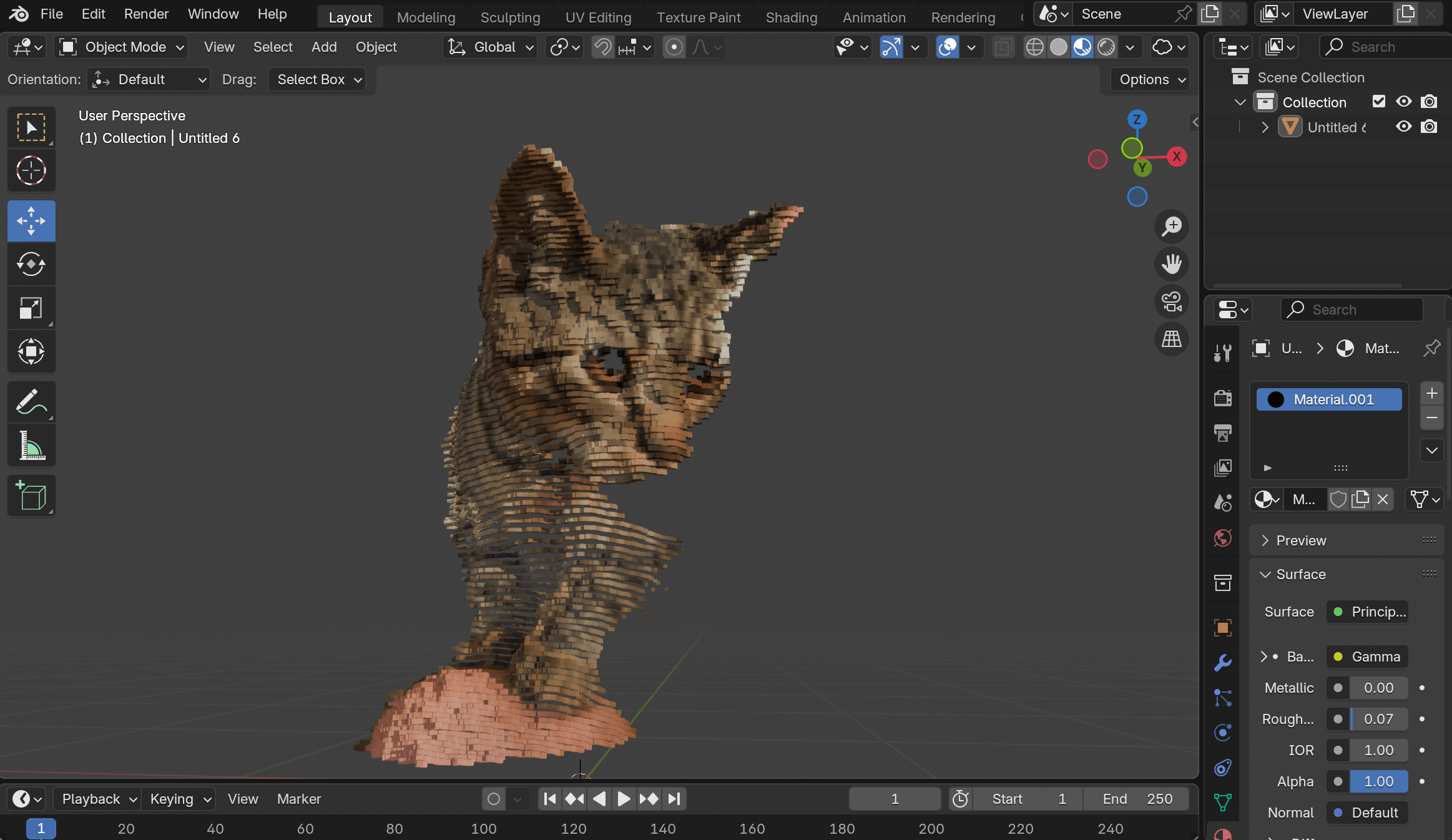
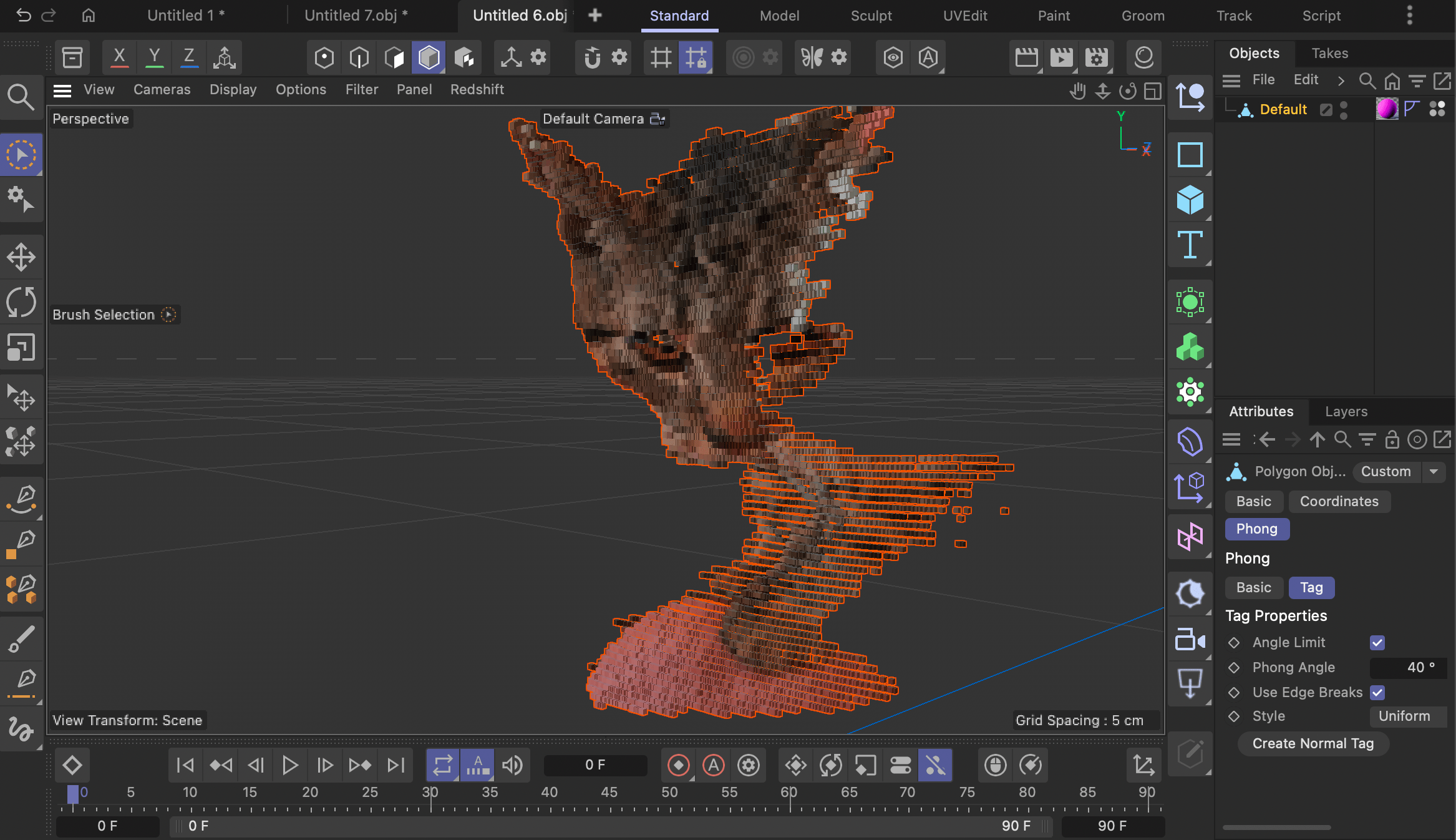
The classic, universal standard for geometry. Widely supported across all 3D applications, this format is
perfect for maximum compatibility.
Note: YOON 3D exports geometry to OBJ with vertex
colors only and no
material.
The foundational format specifically designed for storing raw point cloud data from 3D scanning. Ideal for working with high-density, accurate captures.
Pixar’s robust, single-file format optimized for Augmented Reality (AR). Essential for viewing high-quality 3D assets on Apple devices and the web.
Efficient transmission format essential for fast loading of models in web
environments, AR, and game engines.
Note: YOON 3D supports exporting frame sequences as
keyframed glTF animation.
A glTF point cloud animation exported directly from the app and embedded via Sketchfab, demonstrating native web playback.
This app requires an Apple device with at least the A13 Bionic chip or an M-series chip to run.
Supported Devices: iPhones: iPhone 11, iPhone 11 Pro, iPhone SE (2nd Generation, 2020), and all newer models (e.g., iPhone 12, 13, 14, 15 series). iPads: iPad (9th Generation, 2021) and all newer standard iPads. iPad Air (4th Generation, 2020) and all newer iPad Air models. iPad Pro (all models from 2020 onward) which use the A12Z Bionic, A14 Bionic, or M-series chips.
Note: This requirement ensures the device supports Metal Argument Buffers Tier 2, which YOON 3D uses in its core for better rendering performance and resource management.
No. While YOON 3D fully utilizes the rear-facing LiDAR sensor for capturing large spaces, you can also use the front-facing TrueDepth camera to record smaller objects and detailed scans. The app works on any device equipped with either of these sensor types.
Yes, completely. All of your captured geometry and custom point cloud data remains stored locally on your device. Nothing is ever automatically uploaded to our servers or any third-party service.
You control your data entirely.
No, currently not. YOON 3D is a native Swift app specifically designed and optimized for the unique hardware and sensors (LiDAR/TrueDepth) of iPhone and iPad devices.
No. YOON 3D is purpose-built as a Point Cloud Toolkit. It works exclusively with the high-fidelity point cloud data it generates from your scans.
No. The app's primary function is to generate and export 3D geometry (triangulated meshes) in formats like OBJ, PLY, USDZ, and glTF. The only 2D assets you can export are screenshots of the 3D scene captured in "Photo Mode."